
Explore the grounds
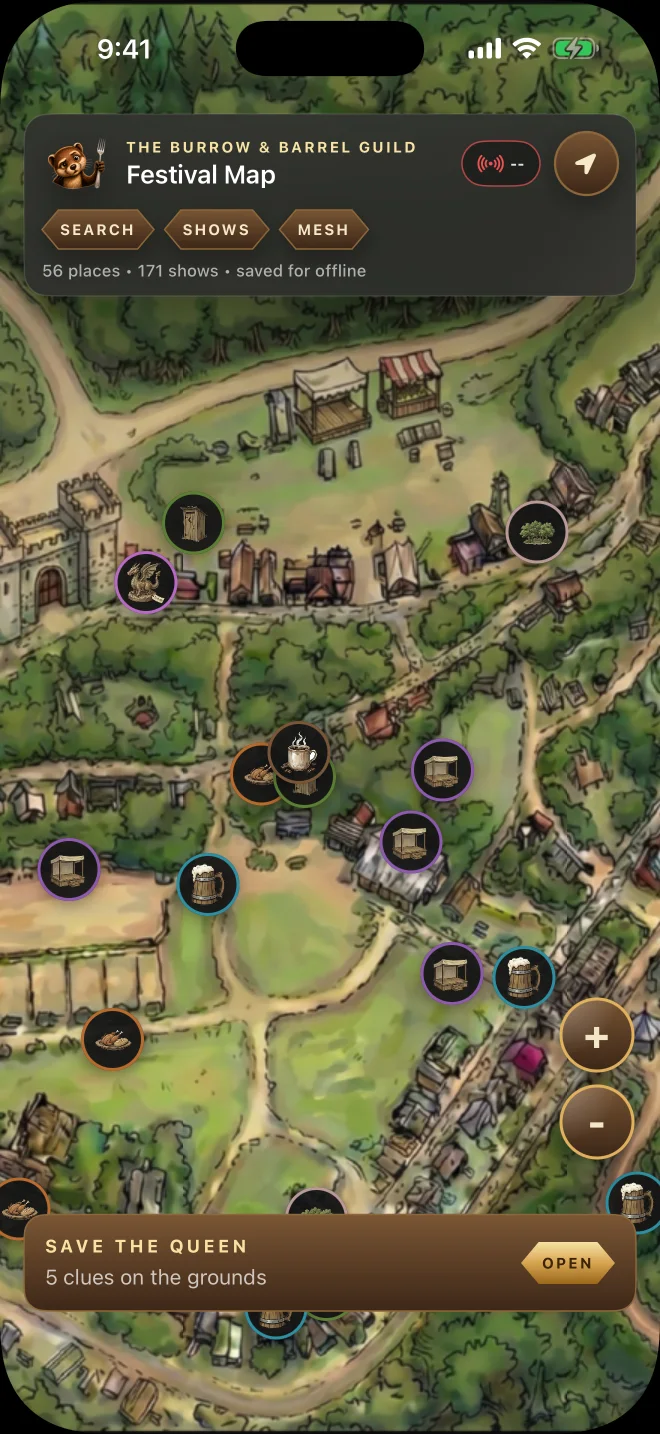
Pan, zoom, center on your position, follow your heading, and open rich place details right from the map.
Your festival, in your pocket
RenMap combines an interactive festival map, fast place and show search, offline access, an on-the-grounds quest, and optional Meshtastic radio features in one companion.
One festival companion
Pan, zoom, center on your position, follow your heading, and open rich place details right from the map.
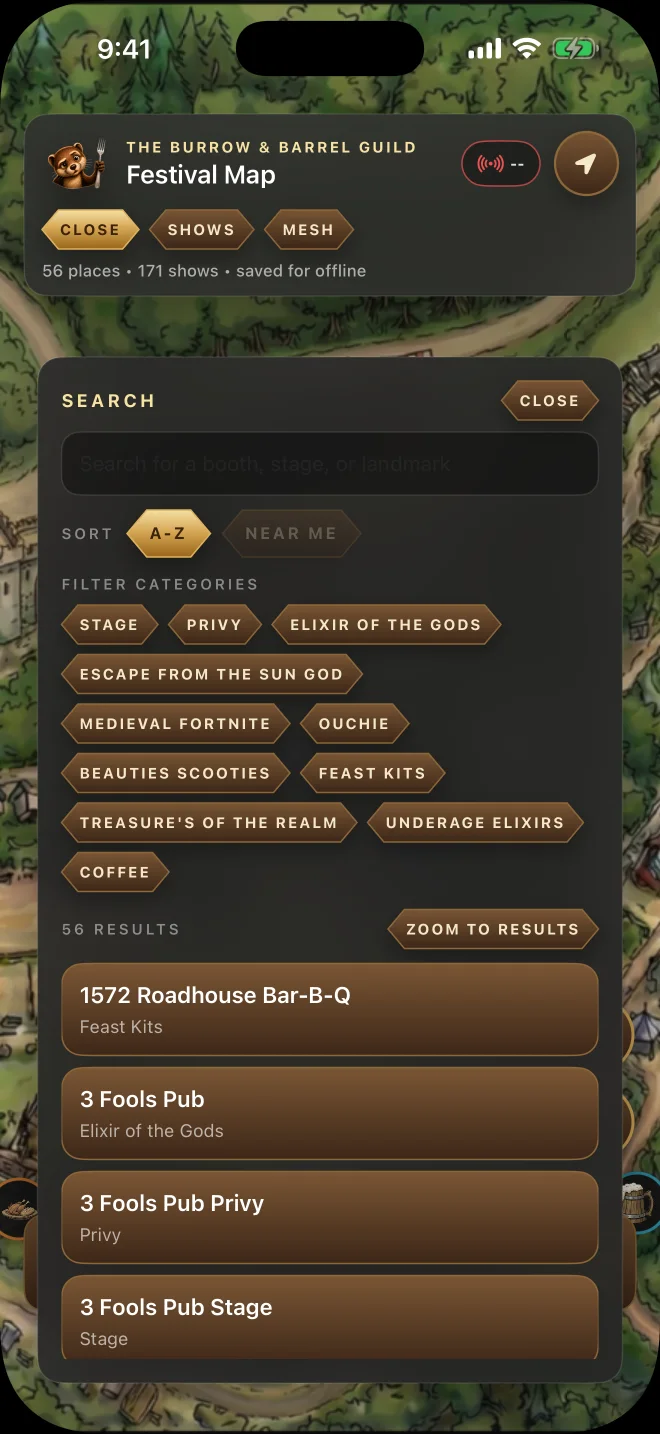
Search stages, vendors, food, services, landmarks, and shows, with nearby results when location is available.
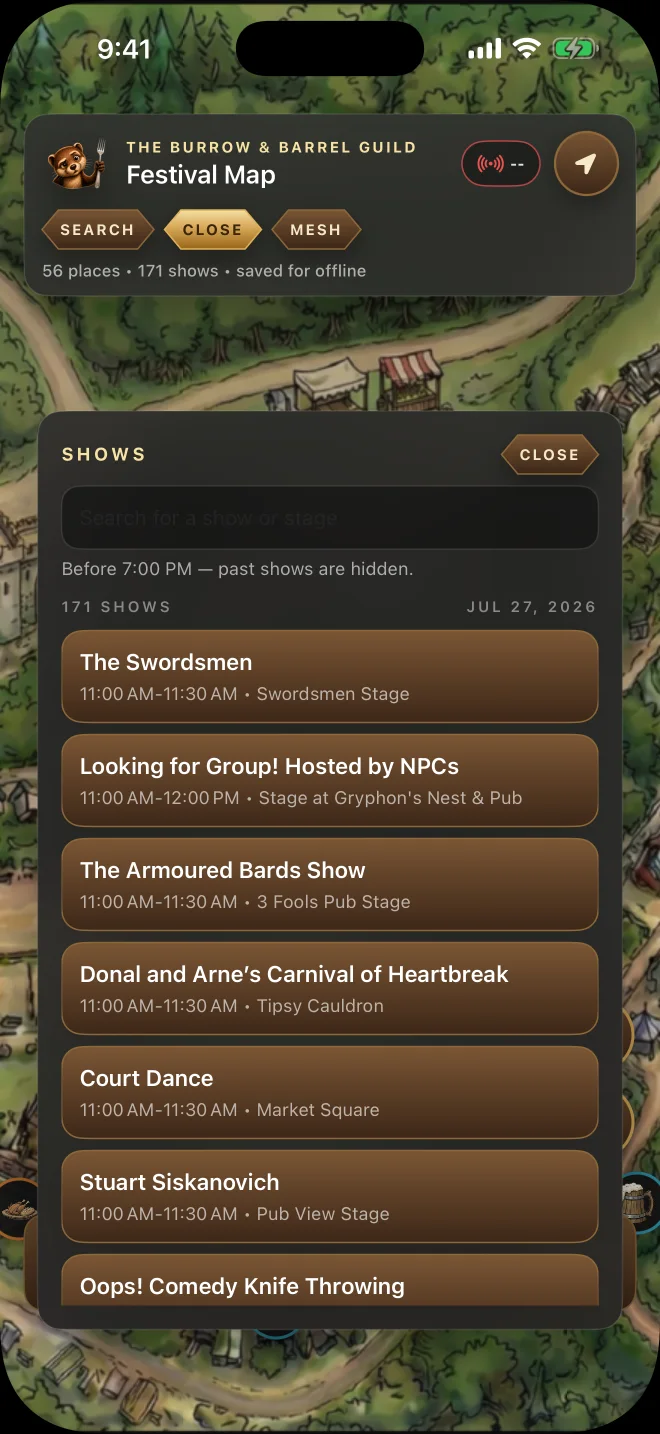
Browse performances, see time and stage information, then jump from a show to its location.
Save the current festival dataset and map content so the essentials remain available during spotty service.
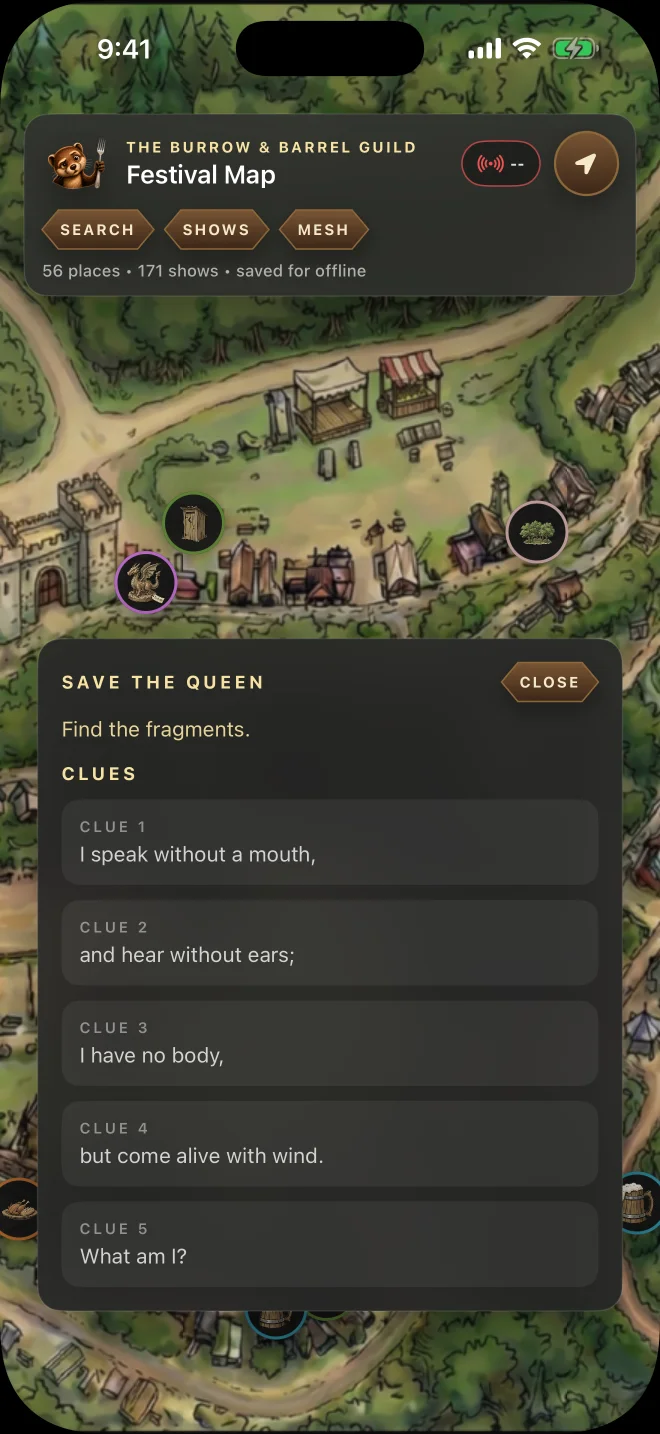
Solve location-based riddles, check in at each answer, collect the fragments, and rescue the Queen.
Create private groups, message your crew, and share positions through compatible Meshtastic hardware.
Map & offline
See stages, shops, food, services, landmarks, and other festival places on a detailed interactive map. Use the locate and heading controls to orient yourself, tap a marker for details, and download the festival content before cell service gets busy.
Search & details
Search across the festival instead of hunting through a paper legend. Filter by category, see helpful context and distance, then open the matching place or show.
Shows
Browse the festival schedule, search by performer or stage, and see each show’s time window. When you find the right performance, RenMap can take you back to its location on the map.
Save the Queen
Open the location-based scavenger hunt, solve each riddle, and head to the place it describes. Check your location when you arrive to reveal the next clue and collect every fragment.
Optional Meshtastic groups
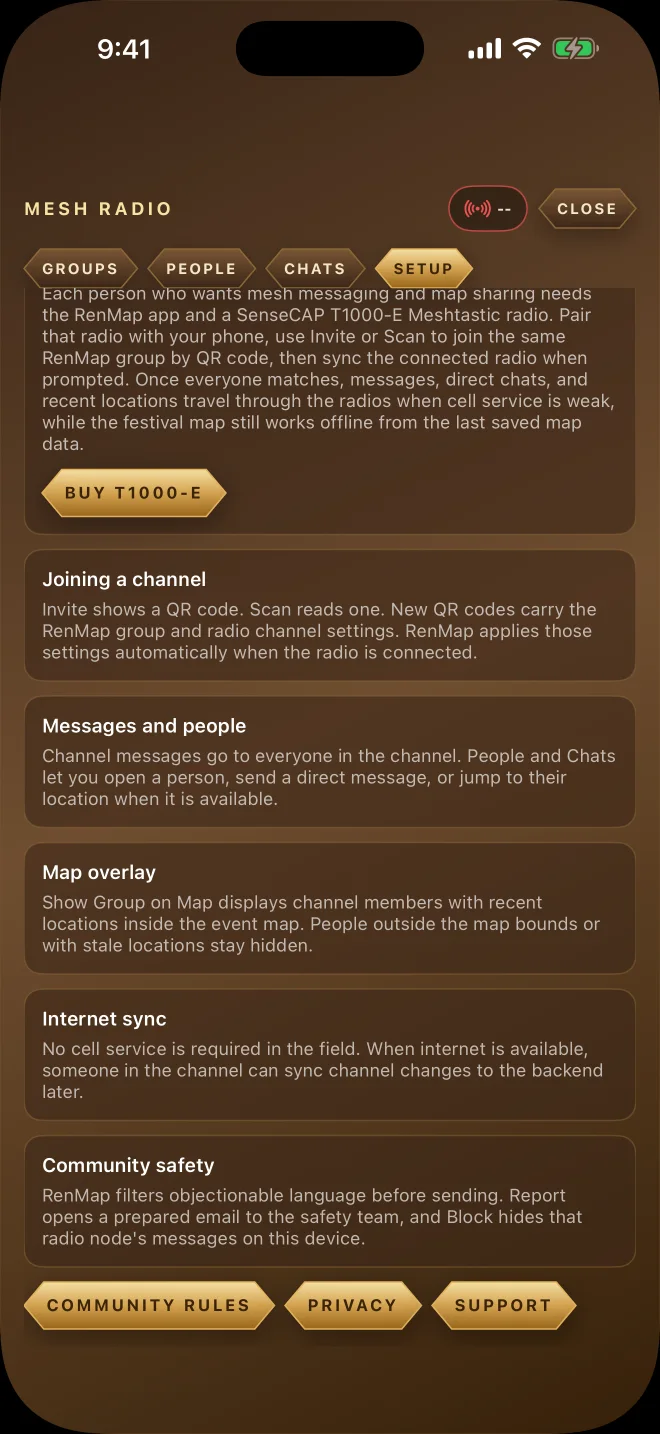
Pair RenMap with a compatible Meshtastic radio over Bluetooth. Create a private group or join one by scanning its invite QR code, then send group and direct messages over the LoRa mesh.
Mesh delivery depends on radio range, device permissions, local conditions, and the radios carried by your group. RenMap and Meshtastic are not emergency services.
Optional hardware
RenMap v1 is designed and tested around the SenseCAP Card Tracker T1000-E for Meshtastic. It combines Bluetooth, GNSS positioning, and long-range LoRa mesh communication in a compact, rechargeable device.
RenMap v1 target radio
Choose the frequency approved for your region—US915 for use in the United States. Each person who needs their own off-grid connection should pair a compatible radio with their phone.
Choose your way in
The web version is ready for map exploration, search, shows, and the quest. Mesh radio features require the mobile app and compatible hardware.
Try RenMap on the web

Store links are prepared for launch and will become active as each public listing is released.